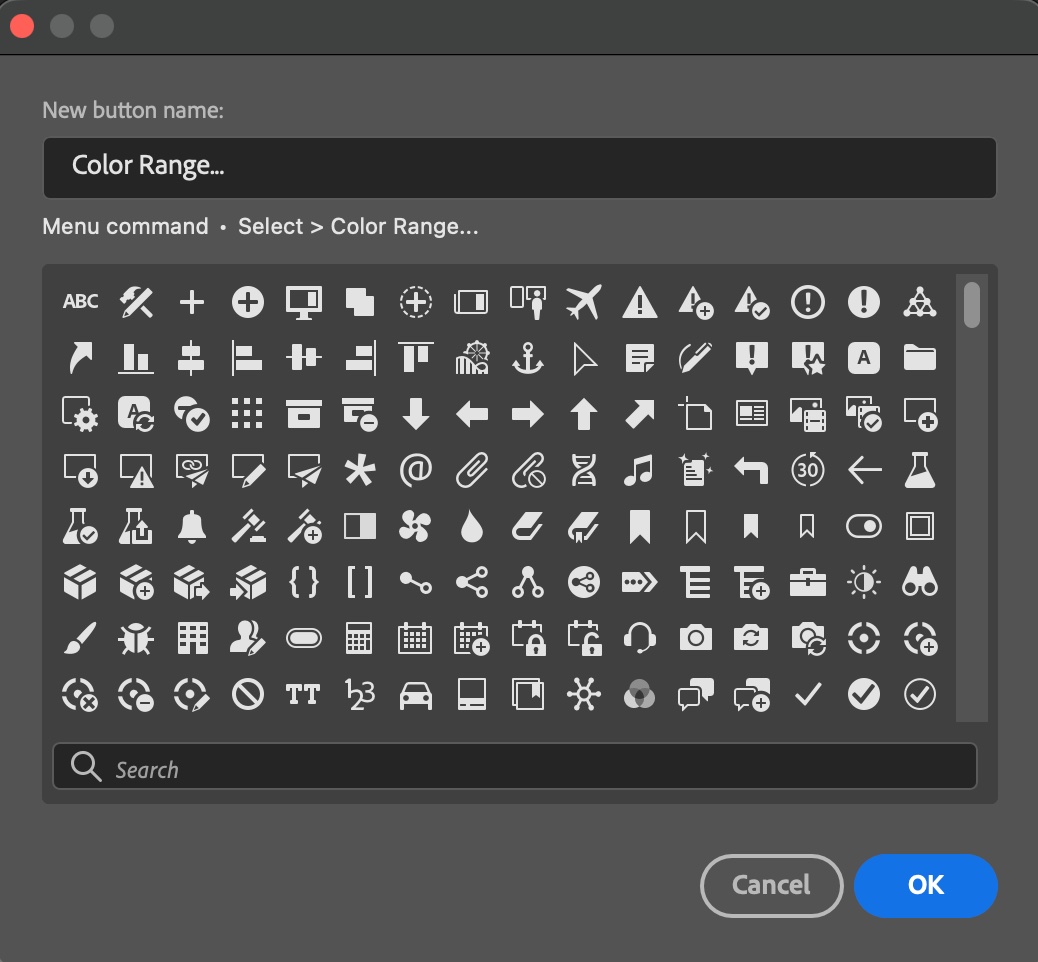
The ability to assign custom Adobe Spectrum Icons in the Rename window is fantastic, but browsing through the large selection is currently a bit tedious.
I have two suggestions to make picking icons easier:
1. Window Size/Resizing.
The Rename window is quite compact, requiring a lot of scrolling to browse the available icon options. While the search function works well when you know an icon's name, visual browsing feels restricted.
Suggestion: Could you make the Rename window resizable (or simply enlarge its default dimensions) so more icons can be viewed at once?
2. Icon Sorting.
Currently, the icons appear to be displayed in a random order, making it difficult to scan for similar visual concepts. On the adobe website (https://spectrum.adobe.com/page/icons/), icons are sorted alphabetically, naturally grouping similar icons together (e.g. all hand icons are together).
Suggestion: Could you sort the icons alphabetically in Configurator Reloaded 2 as well? This would make browsing more intuitive even without using the search bar.